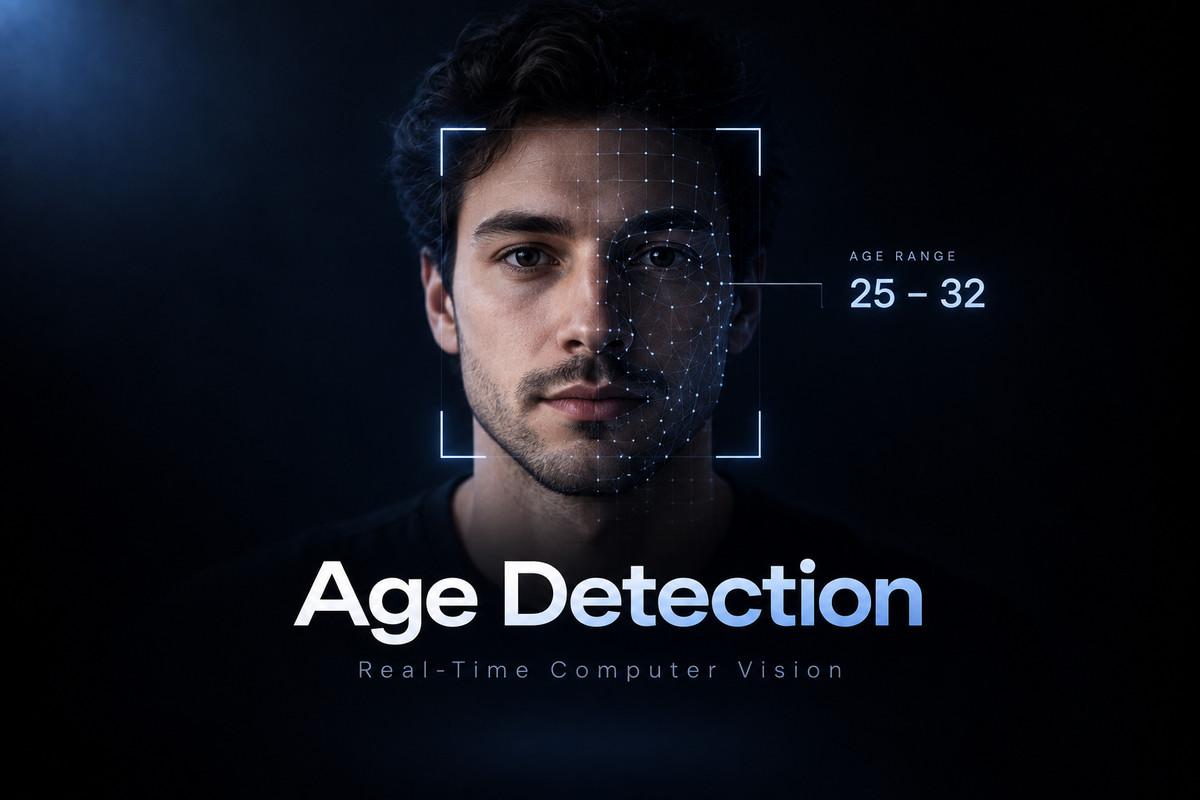
Age Detection with OpenCV is a small Python program that uses OpenCV's DNN module to detect faces in an image or a webcam stream, classify each face into an age bucket, and draw the predicted range directly on the frame. It relies on pretrained models and contains no training code.
What does the project do?
The program takes an image, passed with --image, or falls back to the default webcam. For every detected face it predicts one of eight fixed age buckets: (0-2), (4-6), (8-12), (15-20), (25-32), (38-43), (48-53) and (60-100). The result is drawn on the frame as a rectangle and a label with a confidence percentage. In image mode the script also prints each face's bucket, confidence and box coordinates, can save the annotated picture with --output, and can skip the preview window with --no-display. In webcam mode, pressing q closes the live window. Further options are --camera-index, --camera-backend (auto, any, dshow or msmf), --model-dir, --confidence-threshold and --padding.
How does it work?
Two pretrained networks are loaded through OpenCV's DNN module: a face detector (opencv_face_detector.pbtxt and opencv_face_detector_uint8.pb) and an age classifier (age_deploy.prototxt and age_net.caffemodel). Each frame goes through four steps:
- The frame becomes a 300 x 300 blob for the face detector, and detections below the confidence threshold (default 0.7) are dropped.
- Each face box is padded by 20 pixels (default) and cropped out.
- The crop becomes a 227 x 227 blob for the age network, and the highest-scoring of its eight outputs becomes the label.
- The rectangle and the label with its confidence are drawn on the frame.
The model files are not committed to the repository. They live in a models/ folder, or are fetched with --download-models or --download-only. For a plain-language introduction to deep neural networks, see What is Deep Learning?
What are the design decisions?
The project treats age prediction as classification over age ranges rather than regression of an exact age; the README explains that lighting, camera quality, pose, background clutter, blur and occlusion all add uncertainty. Using pretrained models through OpenCV's DNN module keeps the dependencies to numpy and opencv-python and avoids a training pipeline; the model files are downloaded on demand from URLs listed in the code (OpenCV's GitHub repositories, the learnopencv repository and a Dropbox link) instead of being committed. Behavior is adjustable from the command line: detection confidence, face padding, camera index and camera backend. On Windows, the backend option lets users force msmf or dshow when webcam access fails, and the script checks for a headless OpenCV build, which cannot reliably show the webcam or display windows, and prints the fix.
What are its limitations?
According to the README, the model predicts age ranges, not exact birthdays, and its performance can drop with low light, extreme pose, sunglasses, masks or motion blur. The ranges are fixed: eight buckets that do not cover every age between them. Faces below the detection confidence threshold are dropped, and the confidence shown is the age network's score for the winning bucket. If the model files are missing, the script lists the exact filenames it expects. Webcam use needs the desktop build of OpenCV: if the window opens and closes, the README suggests replacing opencv-python-headless with opencv-python. The repository publishes no accuracy figures, so none are quoted here.
Where can I try it or read the code?
The source is on GitHub, and its requirements.txt sets minimum versions of numpy and opencv-python. Install the requirements, then download the models and run on a photo in one command, or start the webcam:
pip install -r requirements.txt
python main.py --download-models --image path/to/photo.jpg
python main.py
More work like this is on the Projects page.
The one sentence version
Age Detection with OpenCV finds faces in an image or webcam feed with a pretrained detector, labels each one with one of eight age ranges using a pretrained age network, and predicts ranges rather than exact ages.